Know What Happened Behind the Transaction.
A refund, void, discount, or canceled sale only tells part of the story.
Super Vision helps connect transaction exceptions with relevant video and operational context, giving teams a faster way to investigate unusual activity and understand recurring losses.
14 days free. Up to 5 cameras. No charges without your approval.
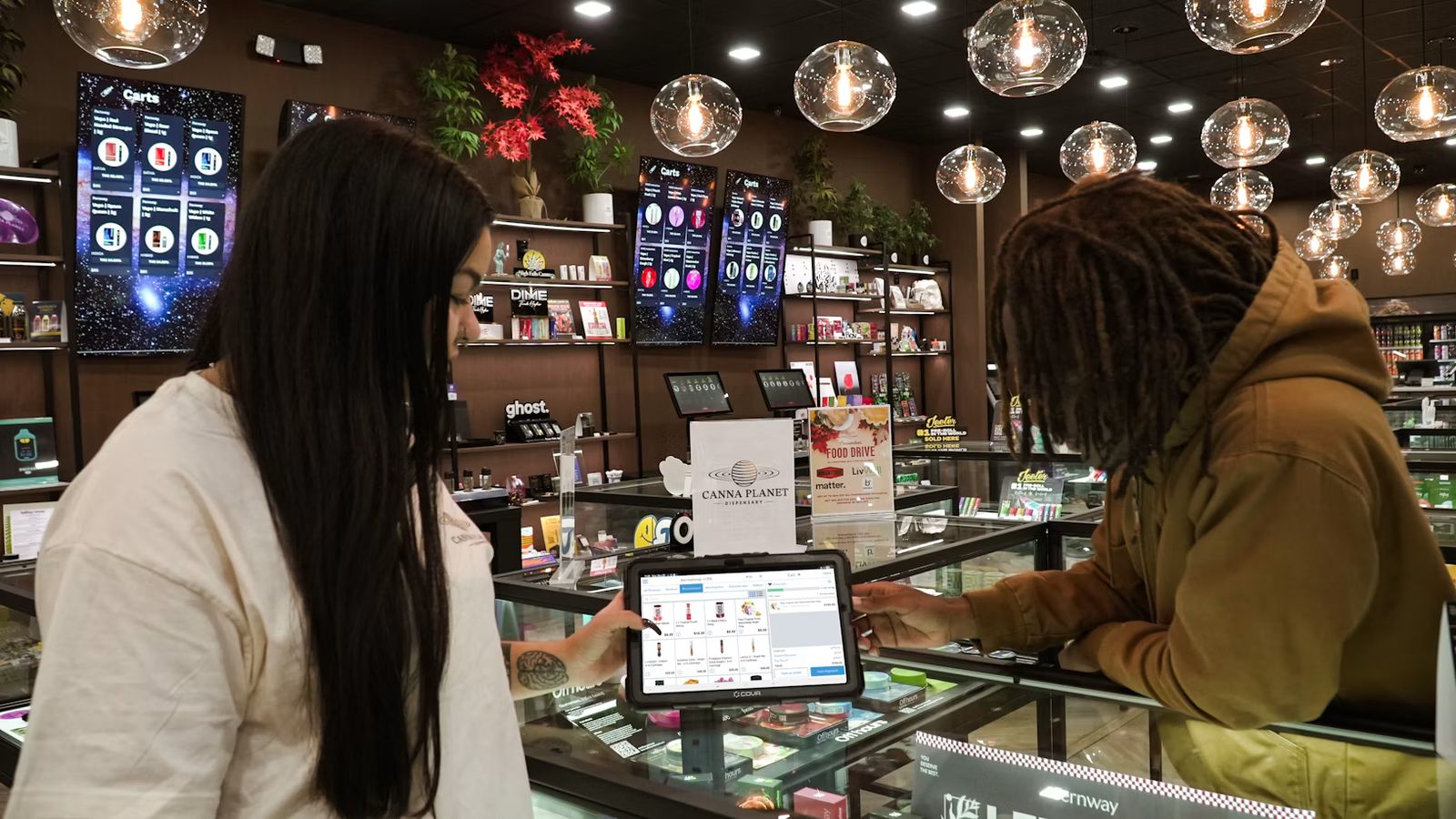
Stop Investigating Financial Exceptions Blind.
When something looks unusual in the POS, figuring out what happened can mean switching between reports, camera systems, and individual locations.
And without enough context, it can be difficult to distinguish a legitimate exception from a preventable loss.
Super Vision helps bring the evidence together.
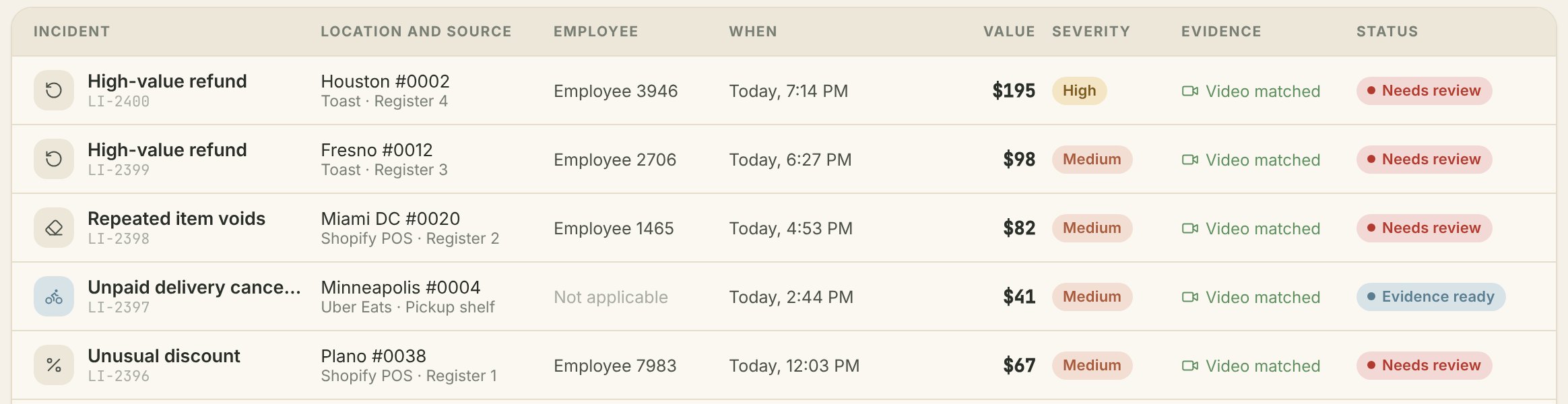
Product view with sample data. Book a walkthrough to see the rest.
Understand the Activity Behind the Numbers.
Refund Investigations
Review relevant footage around unusual refunds to understand the visible customer and product-handling activity.
Learn more →Voids & Canceled Transactions
Investigate selected voids or cancellations, including cases where visible item handoffs may not align with recorded transactions.
Learn more →Discounts & Overrides
Surface unusual discount activity and review the associated transaction context.
Learn more →Cash & Register Exceptions
Investigate supported register exceptions and unusual transaction patterns when the necessary POS data and camera coverage are available.
Learn more →Evidence-Based Case Management
Keep relevant clips, transaction details, timestamps, notes, and findings organized for authorized review.
Learn more →More Context. Better Investigations.
Not every anomaly is fraud.
Super Vision helps teams prioritize questions worth investigating, document what the evidence supports, and identify opportunities to strengthen controls or improve procedures.

Related Solutions.


Ask Your Business Anything.
Your business generates thousands of moments worth understanding. Maya, your AI operations assistant, helps you make sense of them.
Ask questions about activity, operational patterns, potential losses, customer behavior, and performance across locations. From investigating an unusual transaction to understanding why one store performs differently, Maya helps turn questions into actionable insights.
Less digging. More understanding.

Illustrative example
Frequently Asked Questions
Something else on your mind? Talk to our team.
Does Super Vision automatically determine if someone committed fraud?
No. Super Vision surfaces potential anomalies and supporting context for human review. A flagged event is not proof of wrongdoing.
Does Super Vision replace our POS?
No. Super Vision complements your POS by adding observable context and relevant video evidence where integrations are supported.
Which transaction types can it flag?
Refunds, voids, discounts, overrides, and other register exceptions from supported POS systems, based on rules you can adjust.
What if there is no camera on that register?
Super Vision will still flag the transaction, but without footage the case relies on transaction data alone. Coverage gaps are shown so you know which cases have video.
View more questions (2)Show fewer questions
Who can see investigations?
Access is role-based, so investigations are visible only to the people responsible for those locations.
Does Super Vision accuse employees or customers of wrongdoing?
No. Super Vision surfaces potential anomalies and the supporting context for authorized human review. A flagged event is a reason to look, not proof of misconduct, and your team decides what happened.