
Know More.Lose Less.Operate Better.
Your cameras capture more than video. Super Vision turns what they see into actionable intelligence to protect revenue, understand customer behavior, and improve operations across every location.
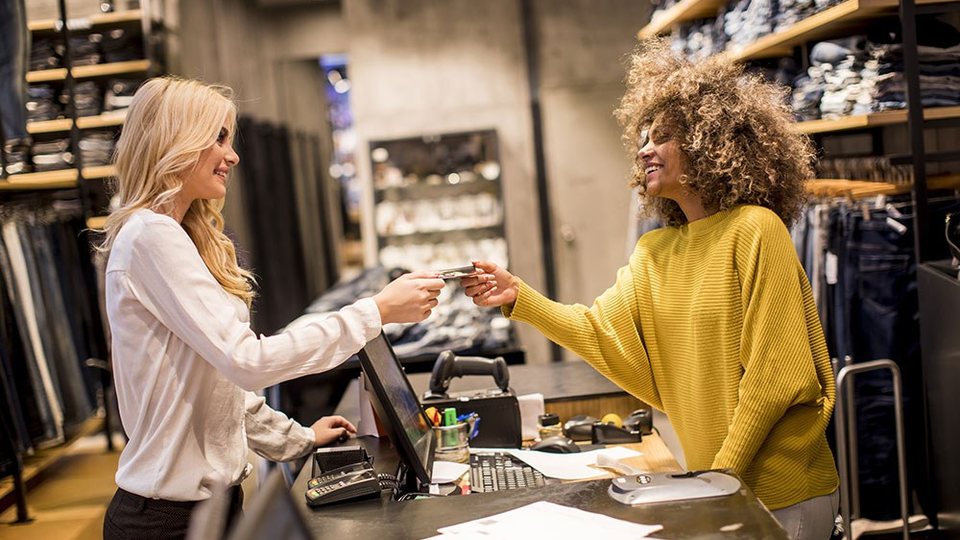
Illustrative product example.
See the Full Picture of Your Business.
Every day, your locations generate valuable information about customers, employees, transactions, and operations.
Most of it goes unseen.
Super Vision connects the dots, uncovering hidden losses, operational bottlenecks, missed opportunities, and the insights you need to make better decisions.

Find Lost Revenue. Recover It Automatically.
Disputes, suspicious refunds, and shrink quietly drain revenue. Recovering it shouldn't be another full-time job.
Super Vision finds the loss, gathers the video and transaction evidence, and automates eligible claims and dispute workflows, then shows you how to stop it happening again.
Automated Disputes
Match orders with video and automatically submit eligible delivery disputes and chargebacks.
Learn more →AI-Powered Refund Investigations
Link suspicious refunds, voids, and discounts to footage, with the case built for you.
Learn more →Loss Prevention Intelligence
Detect shrink and inventory discrepancies, with the evidence already assembled.
Learn more →Prevent Repeat Losses
See the patterns behind recurring loss and fix the process, training, or control causing it.
Learn more →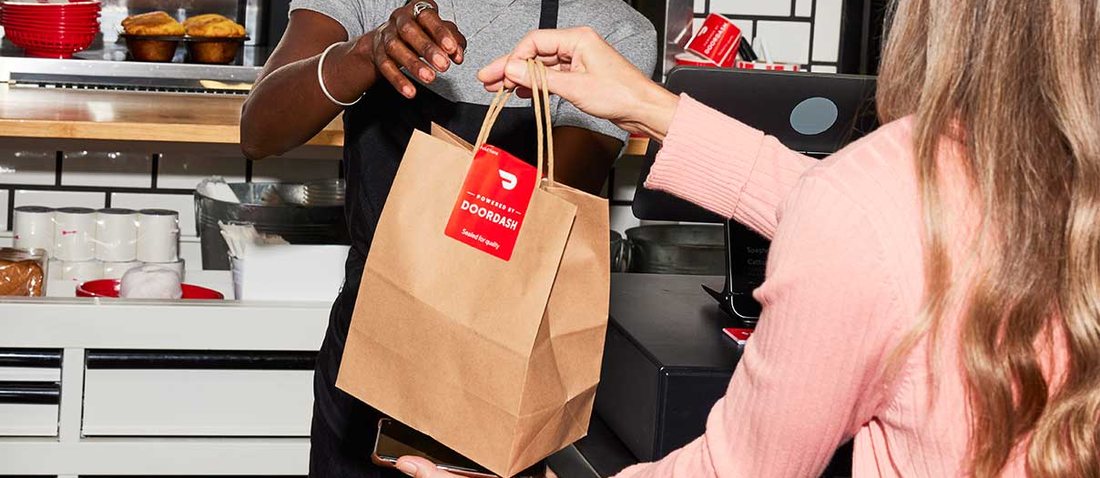
Illustrative example. Automated submission is available only for supported claim types and integrations.
Run a Shift With Super Vision.
Pick your business and start the shift.
Watch Super Vision flag the transactions worth a second look, gather the evidence, and turn them into recovered revenue and finished investigations.
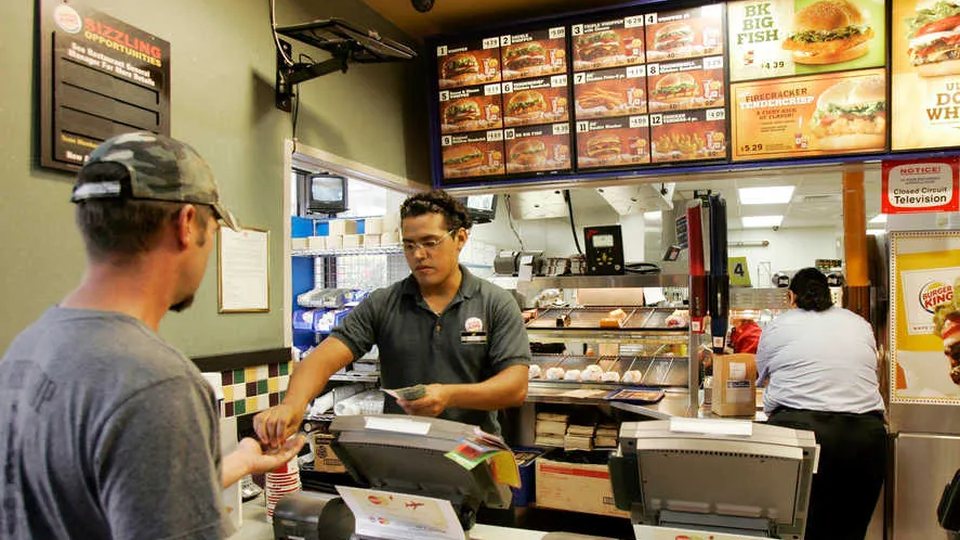
Simulated shift with sample transactions and a sample camera view. Not customer data. Automated submission applies to supported claim types and integrations.
Understand How Your Business Really Runs.
Go beyond reports and dashboards. Understand what's actually happening across your locations.
See how your teams operate, where processes break down, and which locations are performing best.
From staffing and service execution to queues and workflow bottlenecks, Super Vision helps you see the details that impact your business.
Understand Your Customers Beyond the Transaction.
Your POS tells you what customers purchased. Super Vision helps you understand what happened before, during, and around the sale.
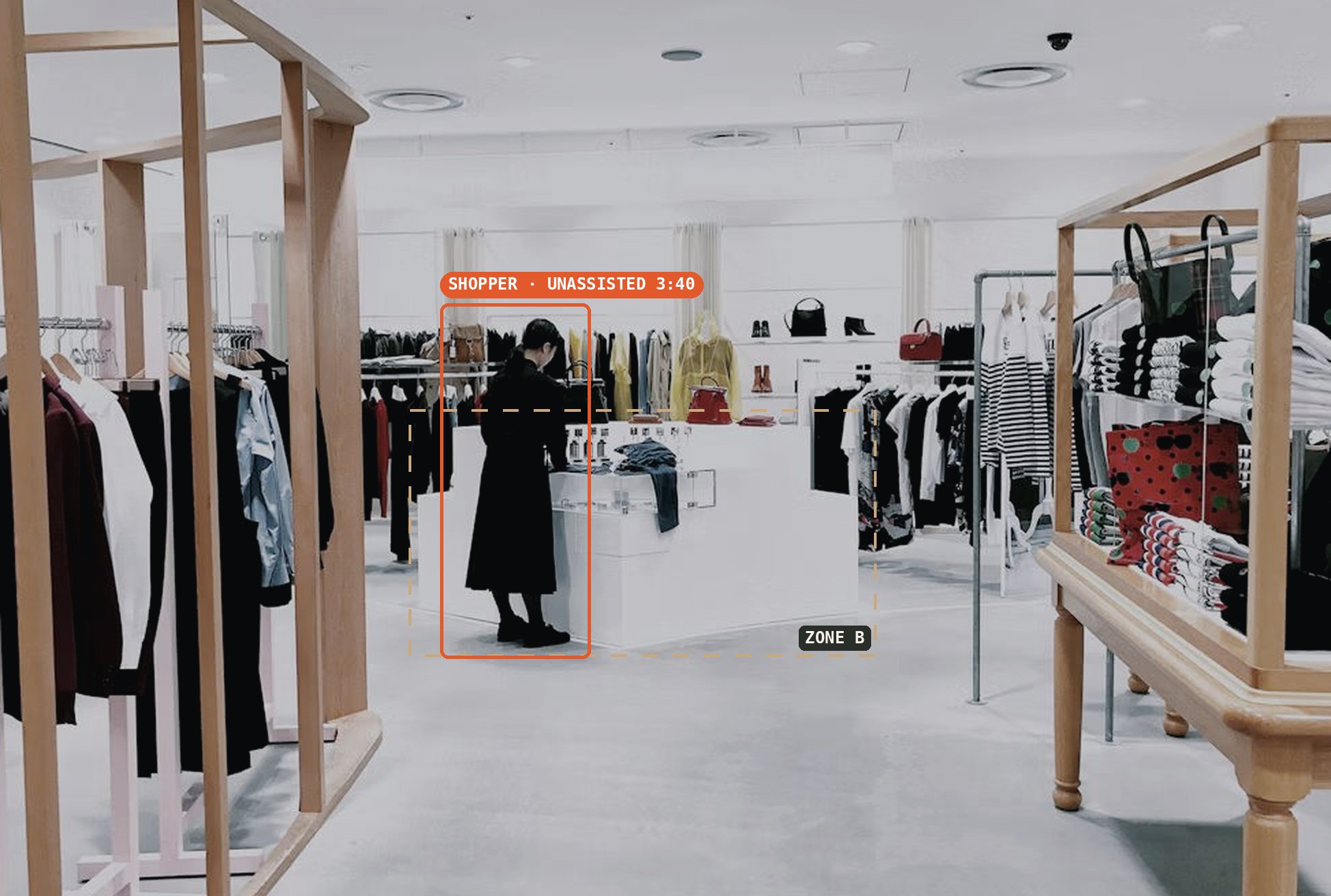
Discover how customers move through your locations, where they engage, what causes friction, and where potential sales opportunities are being missed.
Turn everyday customer activity into insights that help improve experiences and performance.
Don't Just Find Problems. Find Better Ways to Operate.
Super Vision helps you go from insight to improvement.
Explore potential operational changes with simulations, compare performance across locations, and measure the impact of decisions. Make changes with greater confidence and understand whether they're actually working.
Simulations
Explore operational changes before you make them.
What if we shifted staffing toward peak demand?
Benchmarks
See what changed after a decision was implemented.
Did our new staffing schedule improve service?
Experiments
Test changes against a comparison group.
Does a new merchandising layout increase engagement?
Powerful Intelligence. Painless Setup.
No new cameras. No expensive hardware installations. No technicians visiting your locations.
Super Vision connects directly to compatible camera and POS systems, turning the infrastructure you already have into actionable business intelligence.
For supported systems, getting connected takes under 15 minutes.
Connect Your Cameras
Use the cameras you already own.
Authorize remote access to your compatible VMS. No new cameras, wiring, or site visits.
No installers needed.
Connect Your Business Data
Add your POS for context.
Link transactions to what happened on camera. Your POS and workflows stay the same.
No POS replacement.
Activate Your Intelligence
Choose what matters.
Pick locations, cameras, and priorities, from revenue recovery to customer insights.
Live in minutes.
Discover, Act & Improve
Put your cameras to work.
Surface events, investigate losses, and find what to improve.
Add locations remotely.
No Installers. No Downtime. No Headaches.
Your business shouldn't have to stop operating to start getting smarter.
For compatible systems, Super Vision connects remotely without interrupting your existing cameras, POS workflows, or customer service. If your system needs additional configuration, our team will help determine the best connection method.

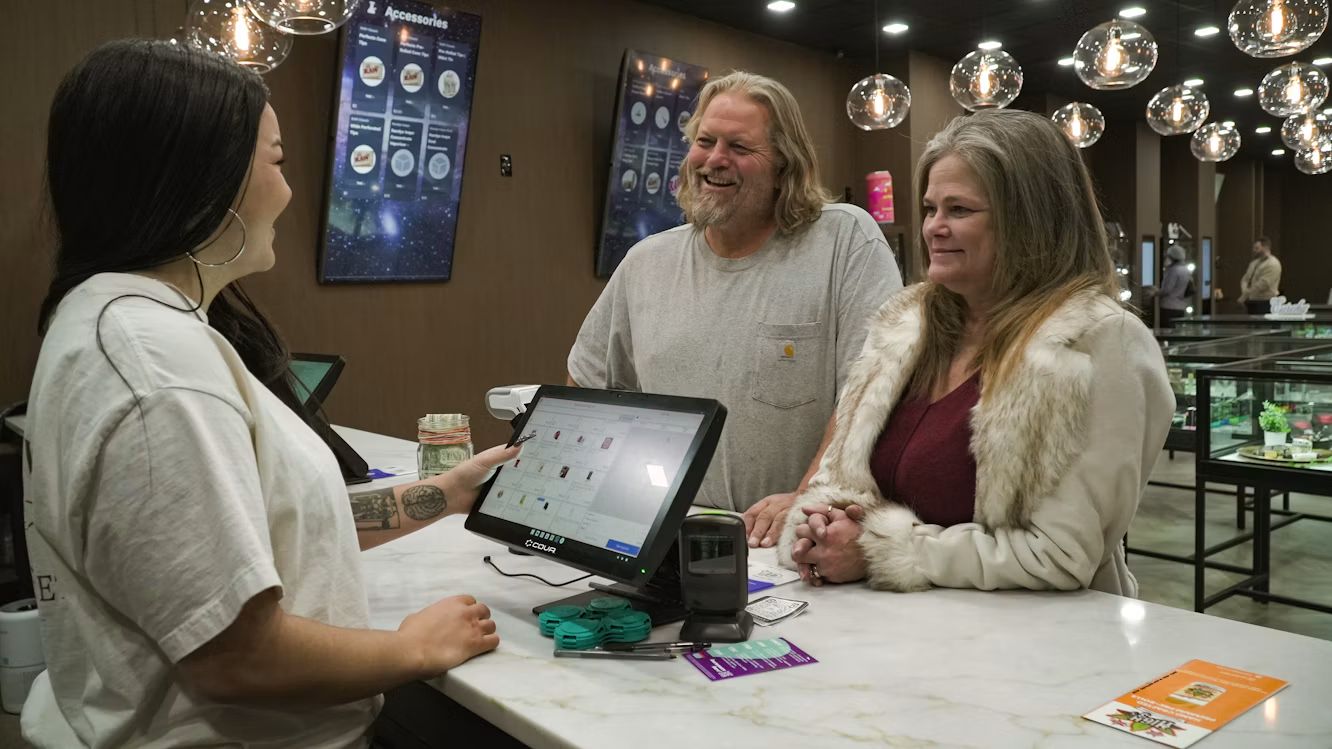
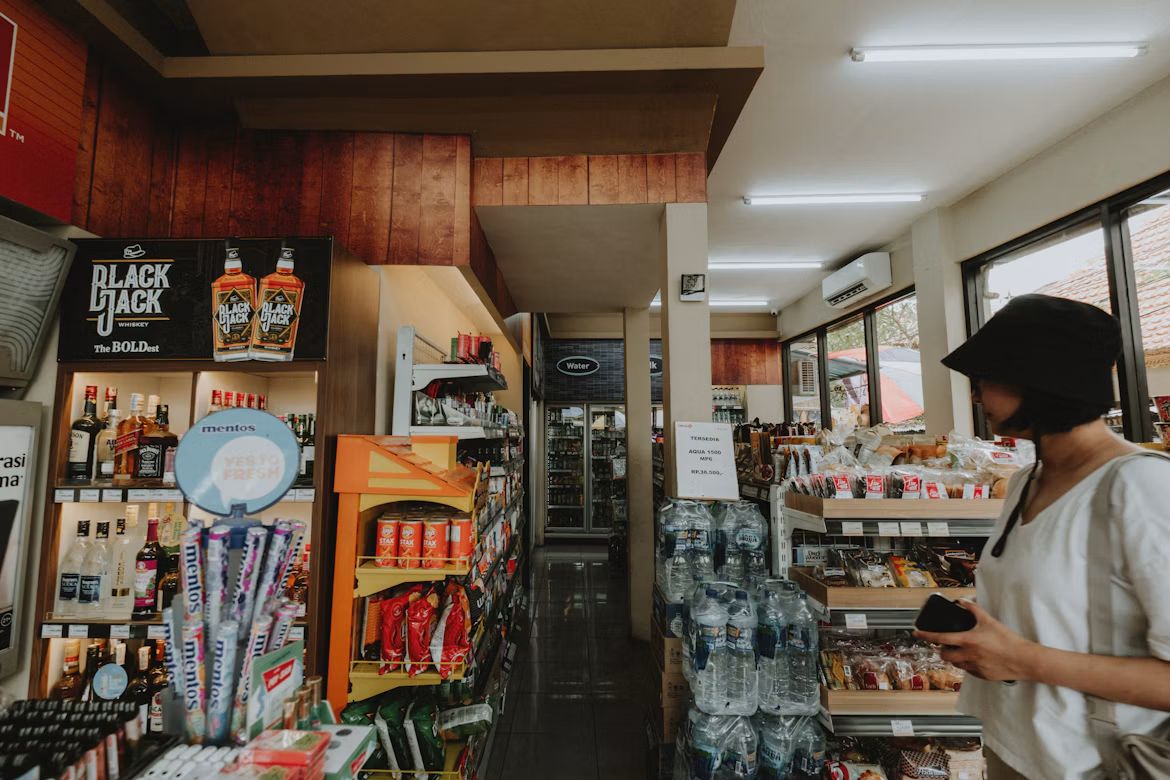
Understand Your Operations.
Protect Your People.
Powerful operational intelligence shouldn't come at the expense of privacy.
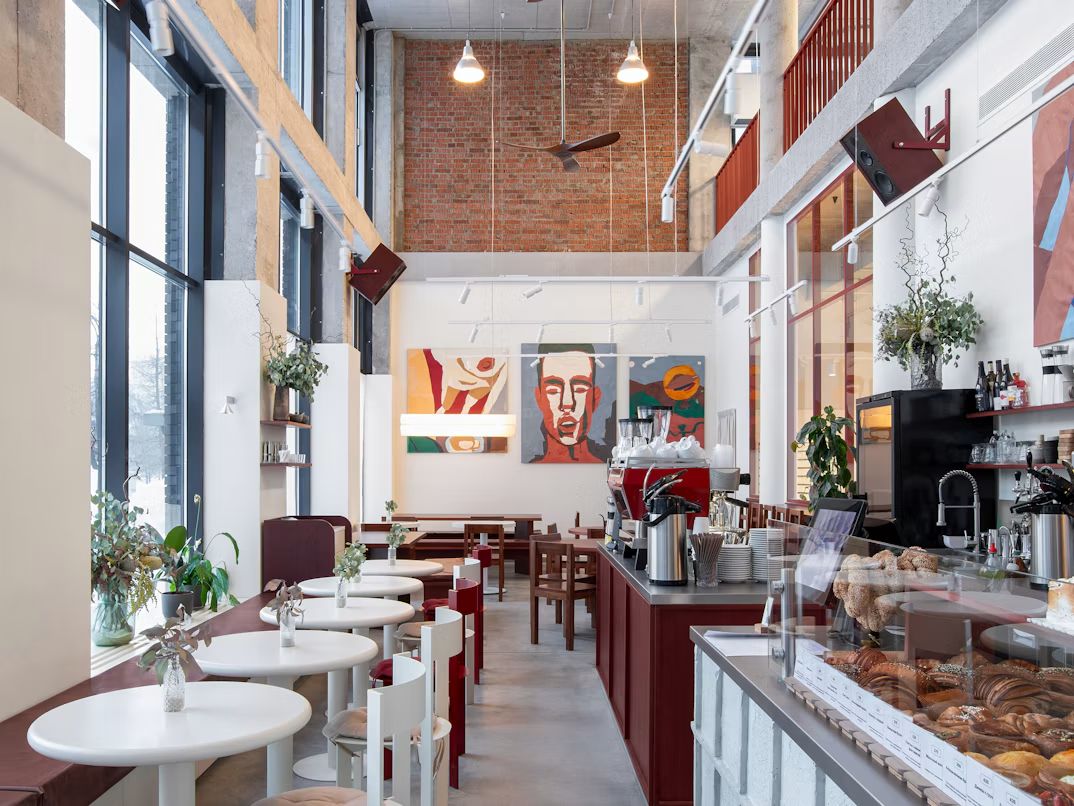
Super Vision gives businesses control over how camera footage is processed, analyzed, and shared. Our AI always analyzes full-quality footage, so your insights stay accurate. Face blur is applied to video your team views and shares, with role-based control over who can see the original.
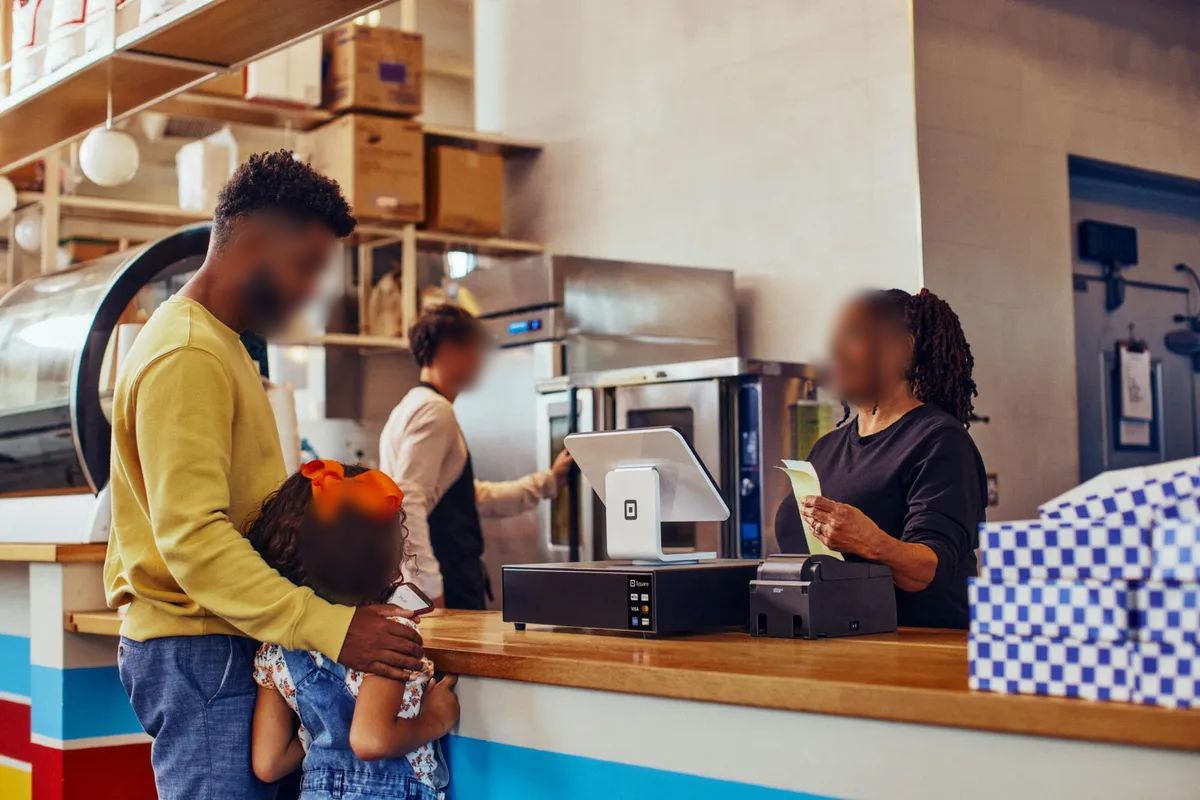
How Privacy Works in Super Vision
Built Around Trust
Privacy commitmentsThe intelligence you need. The privacy controls you expect.
Explore Our Privacy & Security Approach →Your Business Has More to Tell You.
Unlock the intelligence hidden in everyday operations. Protect what you've built, understand what matters, and find new ways to grow.
Frequently Asked Questions
How long does it take to connect Super Vision?
For compatible camera and POS systems, the connection process can take under 15 minutes when the necessary access and permissions are ready. Systems that need additional configuration, vendor authorization, or custom integration may take longer.
Do I need to install new cameras?
No. Super Vision is designed to work with your existing compatible camera infrastructure. You don't need to replace cameras or buy a new surveillance system to start using Super Vision.
Will I need to schedule an on-site systems integrator?
Not for supported systems that allow remote connection. Super Vision connects to compatible video management systems remotely, so there's no technician visit or installation appointment to coordinate. Systems without direct remote connectivity may need additional setup.
Do I need an edge device or additional hardware?
Not for supported configurations. Super Vision connects through compatible camera and video management systems without an additional on-site edge device. Certain legacy or locally restricted systems may need a different connection method, which our team can help evaluate.
View more questions (9)Show fewer questions
Can Super Vision connect to my existing POS?
Yes, for supported POS platforms and configurations. Connecting transaction data with video adds context for revenue recovery, transaction investigations, operational intelligence, and other workflows. If your POS isn't directly supported, our team can review the available integration options.
Can I connect multiple locations remotely?
Yes. For compatible systems, Super Vision connects locations remotely without an on-site installation at every store, which makes it easy to start with a pilot location and expand across your business.
Is the 15-minute setup time guaranteed?
No. Under 15 minutes is the target for supported camera and POS configurations with permissions ready. Actual setup time depends on compatibility, system access, security requirements, and any necessary vendor approvals.
Is Super Vision a security monitoring platform?
Super Vision complements existing camera infrastructure but focuses on retail operational and customer intelligence. It is not intended to replace live security monitoring or emergency-response systems.
How is Super Vision different from people-counting software?
People counters help measure traffic. Super Vision aims to connect customer activity with store conditions, service coverage, and operational events to provide richer context about performance.
Can Super Vision help improve conversion?
Super Vision identifies observable patterns associated with missed sales opportunities, including unassisted customers, long waits, and gaps in service coverage. When paired with POS and other business data, retailers can evaluate how these patterns relate to conversion.
How does Super Vision protect customer privacy?
Super Vision is designed around operational observations and anonymous customer intelligence rather than identifying individual shoppers. Camera access, underlying footage, retention policies, and privacy requirements are reviewed as part of deployment.
Is Super Vision designed for multi-location retailers?
Yes. Super Vision is particularly valuable for retail organizations with multiple locations, distributed employees, and regional management teams that need more consistent visibility into store performance.
Does Super Vision only work for retail stores?
No. Super Vision is built with retail in mind, but it supports most physical businesses that serve customers in person, including restaurants and quick-service chains, car dealerships, grocery and convenience stores, banks, clinics, gyms, and other service locations. Compatibility depends on your camera system and coverage, which is reviewed during onboarding.