
Find Lost Revenue. Recover It Automatically.
Stop letting disputes, suspicious refunds, and preventable losses eat into your profits.
Super Vision connects your existing cameras with transaction and delivery data to detect losses, gather the evidence, and automate eligible claims and dispute workflows. Your team recovers more, with far less manual work.
14 days free. Up to 5 cameras. No charges without your approval.
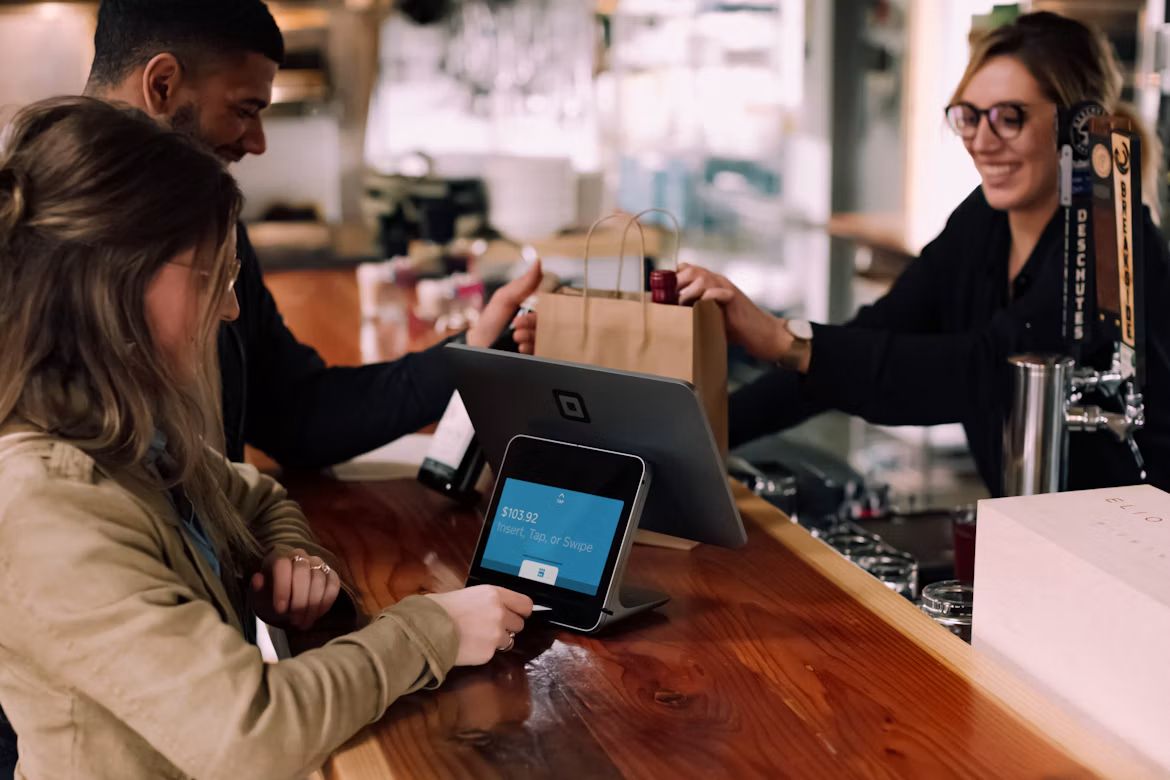
Your Business Is Losing Money. Recovering It Shouldn't Be Another Full-Time Job.
Delivery disputes, chargebacks, suspicious refunds, and shrink quietly drain revenue every week.
Recovering it usually means digging through camera footage, matching orders to transactions, building evidence, and filing claims by hand.
Most teams don't have the time, so recoverable revenue goes unclaimed and the same losses keep happening.
Super Vision does the heavy lifting automatically, from finding the loss to filing eligible claims and tracking what comes back.
Illustrative figures and workflows, not actual customer data or verified product results.
Go Beyond Detecting Loss. Take Action Automatically.
Alerts tell you something went wrong. Super Vision does something about it.
Where a recovery path exists, it files the claim. Where one doesn't, it builds the case so your team can act fast.
Automated Dispute Resolution
Recover eligible disputed revenue without the manual claim work.
Super Vision identifies eligible disputes and chargebacks, gathers the supporting evidence, and handles supported submissions for you.
- Automatically identify eligible delivery disputes and chargebacks
- Match each order with relevant video and transaction records
- Generate a complete evidence package for every claim
- Submit eligible claims through supported workflows
- Track outcomes and revenue recovered
Less admin. More recovered revenue.
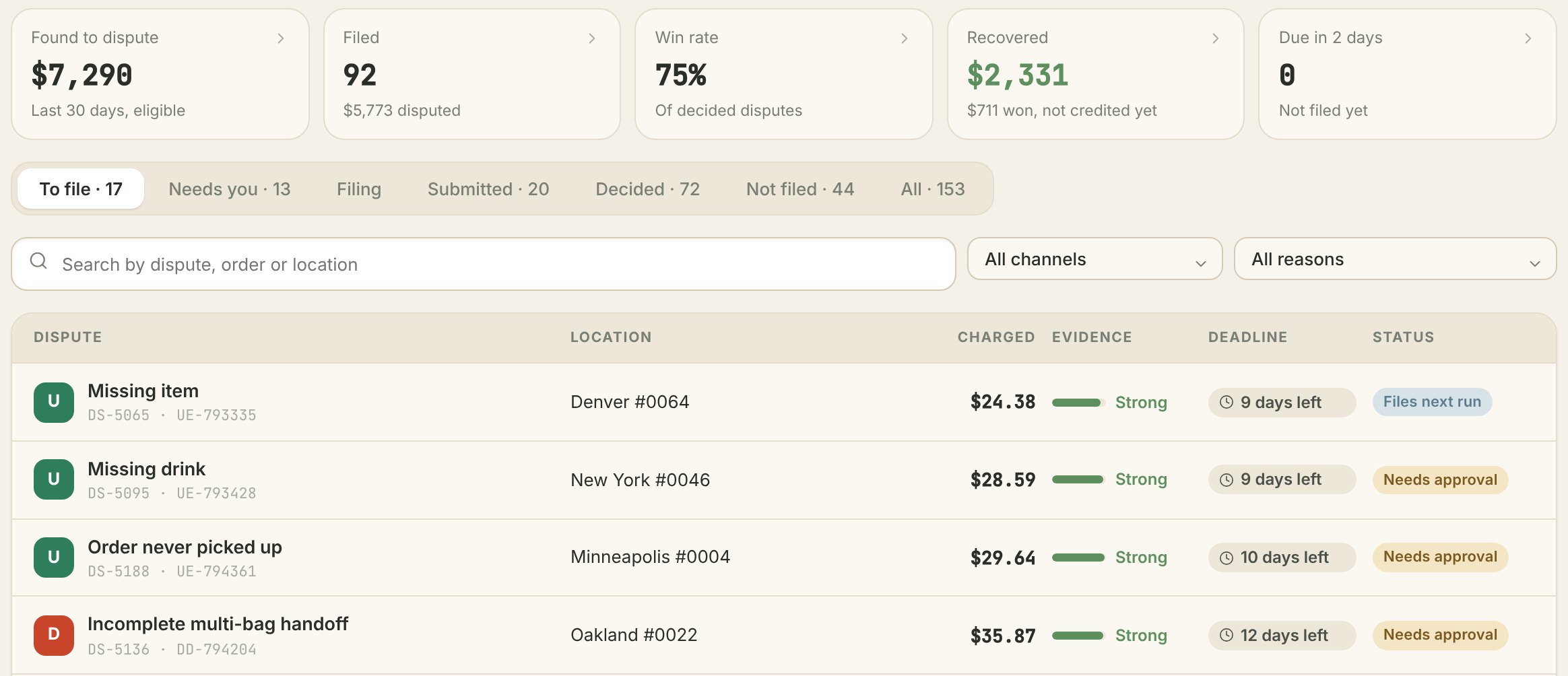
Product view with sample data. Book a walkthrough to see the rest.
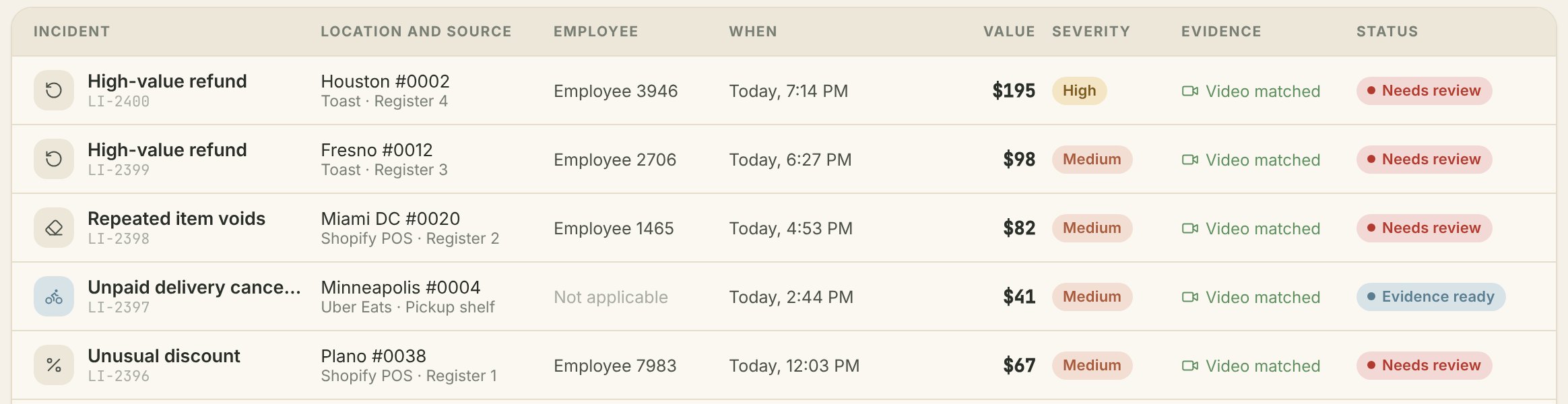
Product view with sample data. Book a walkthrough to see the rest.
Automated Refund & Transaction Investigations
Let AI do the footage review and case building.
Suspicious refunds, voids, and discounts are linked to the moment they happened, so investigators start with the evidence instead of hours of recordings.
- Detect suspicious refunds, voids, discounts, and exceptions
- Link each transaction to the relevant camera footage
- Assemble timestamps, clips, and transaction details automatically
- Create organized cases ready for authorized review
- Spot repeat patterns by register, shift, and location
Faster investigations. Stronger cases.
AI-Powered Evidence Collection
Video, timestamps, POS and order details are gathered and matched automatically, so every claim and case starts complete.
Learn more →Loss Prevention & Shrink Intelligence
Detect unusual product movement, inventory discrepancies, and theft risks, then build the case and recommend prevention steps.
Learn more →Recovery & Prevention Insights
See what was recovered, where losses repeat, and which process, training, or control changes will stop them.
Learn more →Automated Recovery. Automated Investigations.
A suspicious employee refund isn't automatically a recoverable refund claim.
The merchant may have already issued a legitimate refund, or there may be no eligible reimbursement mechanism.
So Super Vision files claims where a recovery path exists, and builds a complete case where it doesn't.
Automated Recovery
The system handles end-to-end claims when there is an eligible financial recovery mechanism.
Automated Investigations
The system identifies possible losses, collects the evidence, and makes investigations easier even when no external claim can be filed.
From Lost Revenue to Recovery, Automatically.
Detect the Loss
Super Vision flags disputes, chargebacks, suspicious refunds, and shrink across your locations.
Investigate & Gather Evidence
Relevant video, transaction, and order records are matched and packaged automatically.
File Eligible Claims
Eligible claims are submitted through supported marketplace and processor workflows.
Track the Outcome
Follow each claim from submission to decision and see the revenue recovered.
Prevent the Next Loss
Recurring patterns point to the procedures, training, and controls worth fixing.
Built for the Way Your Business Loses Revenue.


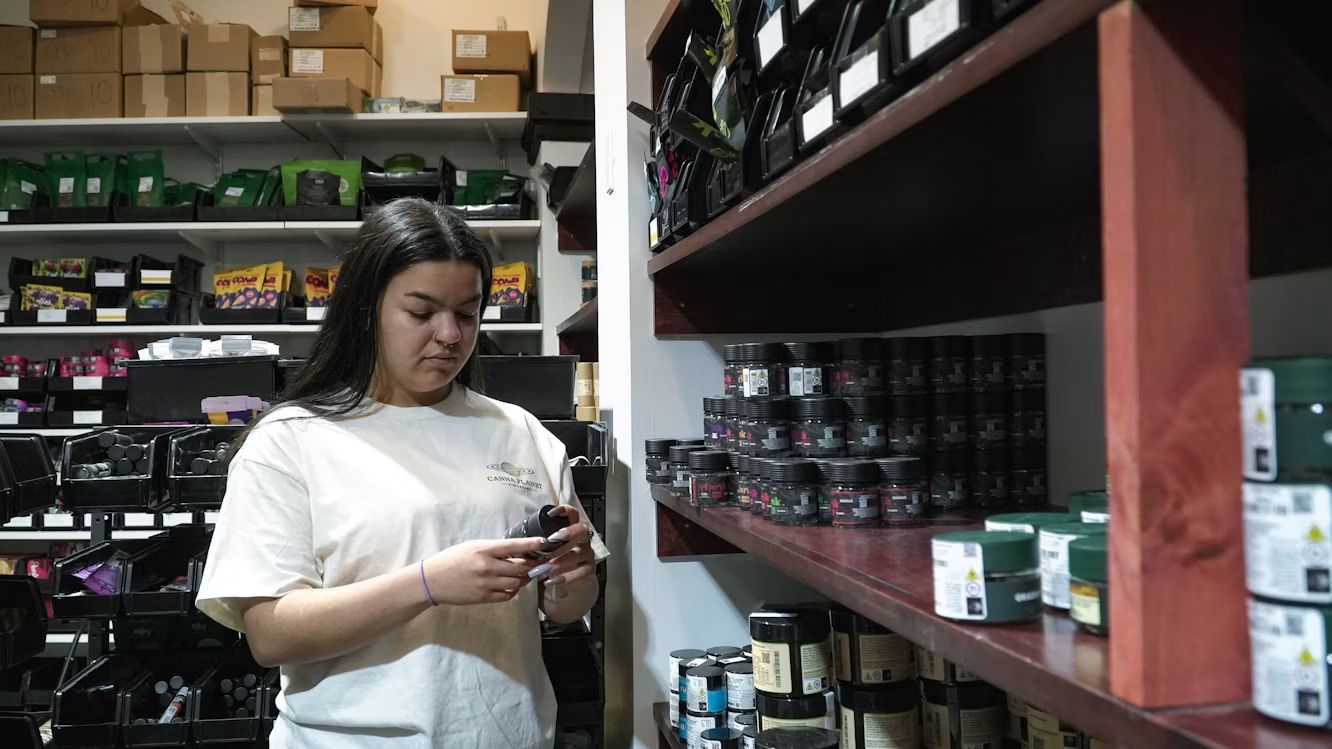

See the Revenue You're Protecting.
Get a clearer picture of potential recovery opportunities, claim performance, and recurring losses.
Understand where money is being lost, how much is being recovered, and where improvements can make the biggest impact.
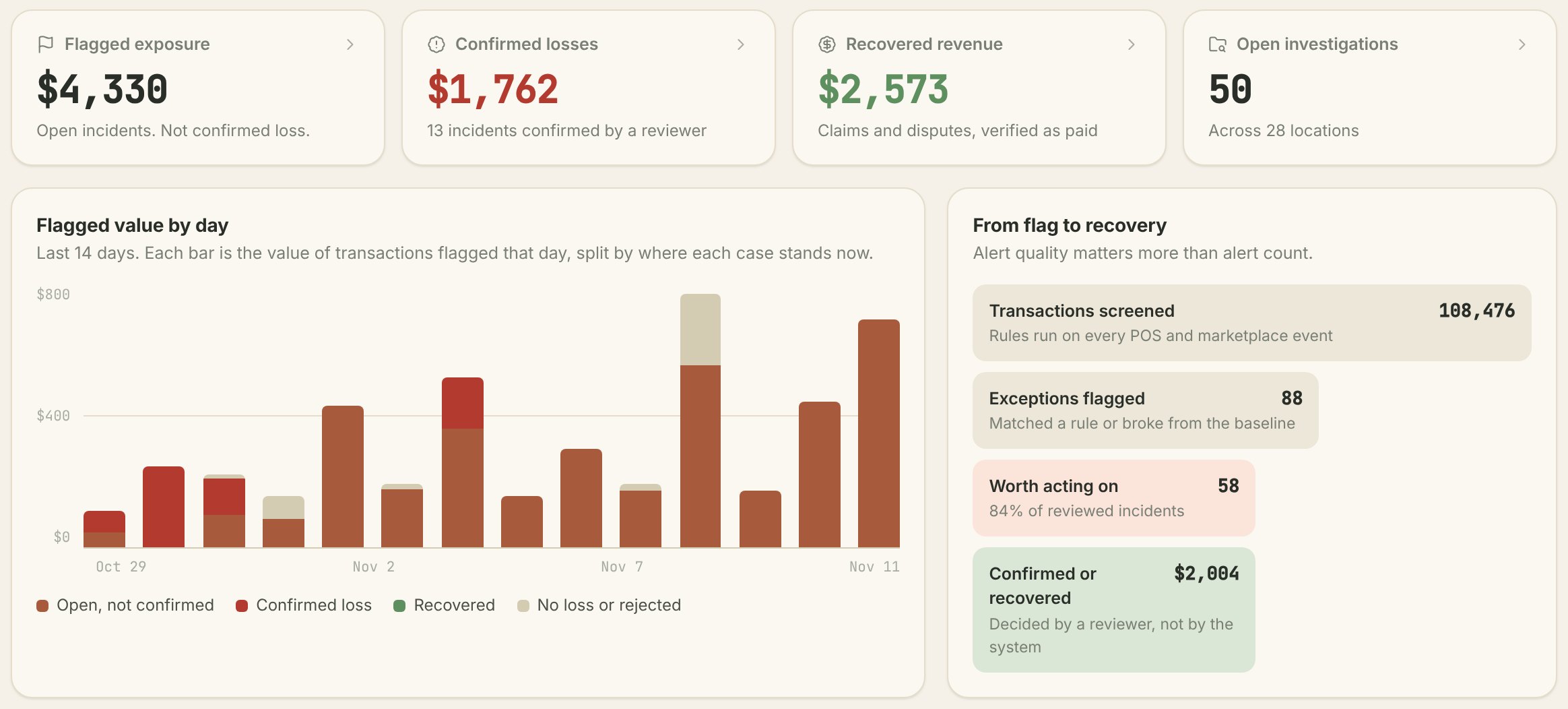
Product view with sample data. Book a walkthrough to see the rest.
One Platform. Every Team That Owns Revenue.
Loss prevention directors
Stop spending hours reviewing footage and building cases. Let AI investigate transaction anomalies and assemble the evidence your team needs.
Learn more →Restaurant & franchise operators
Automate eligible delivery disputes, recover more revenue, and uncover the operational problems driving repeat losses.
Learn more →Retail finance & operations leaders
Turn disconnected transaction data and camera footage into automated financial investigations and supported recovery workflows.
Learn more →Multi-location CEOs & owners
Protect revenue across every location without adding more manual work for your teams.
Learn more →Give Your Team a Smarter Way to Protect Revenue.
Super Vision sees both sides of every loss: the transaction and what physically happened.
It automates investigations and recovery workflows instead of stopping at an alert.
It measures the revenue actually recovered, not just losses flagged.
And it connects every recurring loss to the operational changes that prevent it.

Protect Revenue Across Your Business.
Go deeper on the workflows that recover and protect the most revenue.

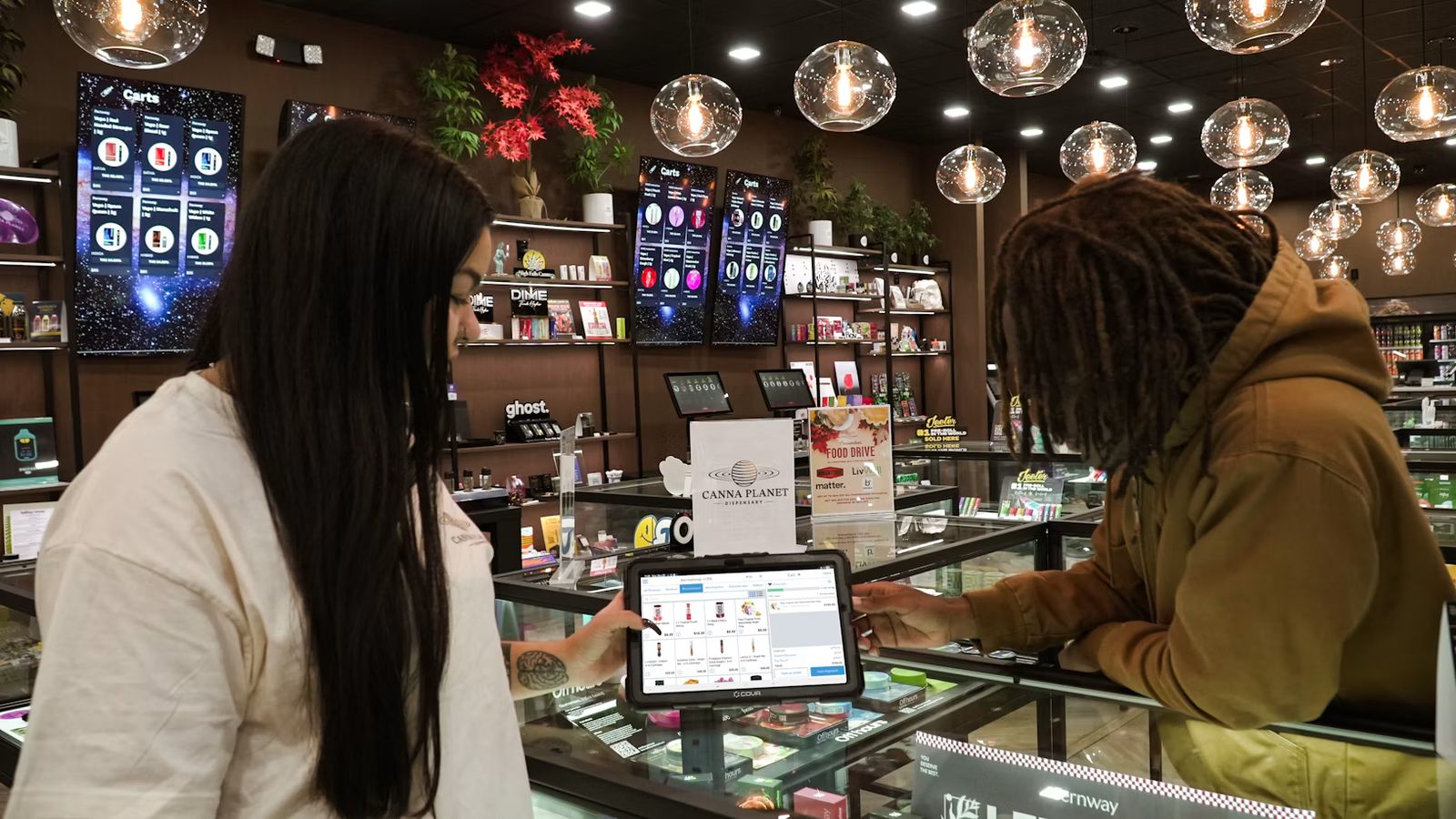

Automated Revenue Recovery. Without the Hardware Installation.
Connect your compatible existing cameras and POS system remotely in under 15 minutes.
No new wiring, on-site technicians, or interruption to store operations.
Start turning transactions and video into actionable investigations, automated evidence, and supported recovery workflows without a complicated deployment.
For supported camera and POS configurations with access ready.
Frequently Asked Questions
Something else on your mind? Talk to our team.
What does Super Vision recover automatically?
Super Vision automates eligible claims where a recovery mechanism exists, such as supported delivery marketplace disputes and, where processor integrations permit, payment chargebacks. It identifies the eligible case, matches the evidence, prepares the claim, submits it through supported workflows, and tracks the outcome.
What's the difference between automated recovery and automated investigations?
Automated recovery ends in a filed claim when there is an eligible way to get money back. Automated investigations end in a ready case: Super Vision detects the possible loss, collects the video and transaction evidence, and organizes it for your team, even when no external claim can be filed, such as a suspicious employee refund.
Does Super Vision automatically determine if someone committed fraud?
No. Super Vision surfaces potential anomalies and assembles the supporting evidence for authorized human review. A flagged event is not proof of wrongdoing, and your team decides what happened.
Will every claim be recovered?
No. Automated submission is available only for supported claim types and integrations, and recovery depends on eligibility, available evidence, platform requirements, and the claim decision.
View more questions (4)Show fewer questions
What is in an evidence package?
The relevant video clips, timestamps, transaction or order details, and investigation notes, matched and organized automatically so a claim or a reviewer has what it needs without anyone searching footage.
How do we see what we've recovered?
Super Vision tracks disputed revenue, eligible opportunities, claims prepared and submitted, revenue recovered, investigation time saved, and the recurring losses worth fixing, by location and over time.
How long does it take to connect Super Vision?
For compatible camera and POS systems, the connection process can take under 15 minutes when the necessary access and permissions are ready. Systems that need additional configuration, vendor authorization, or custom integration may take longer.
Do I need an edge device or additional hardware?
Not for supported configurations. Super Vision connects through compatible camera and video management systems without an additional on-site edge device. Certain legacy or locally restricted systems may need a different connection method, which our team can help evaluate.
Automated submission is available only for supported claim types and integrations. Recovery depends on eligibility, available evidence, platform requirements, and claim decisions.